Know Your Space (and Respect It)
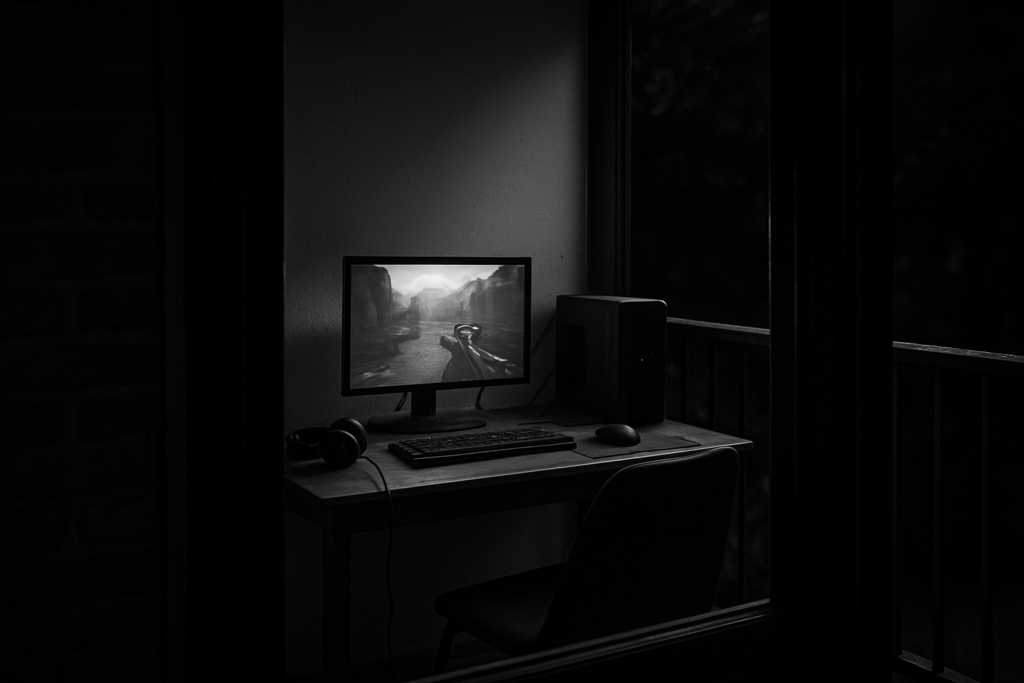
Before you even glance at a product listing, measure the space you’ve got. Not just width and depth check height too. Are you gaming in a tight bedroom corner or half of a shared living room? Knowing your limits saves you from buying gear that won’t fit or perform right.
Next, location matters. Pick a spot with minimal glare. Natural light is great, but not when it creates screen reflections at peak hours. Look for balance close enough to a window for airflow, but not so close that sunlight torches your screen. Bonus points if you’ve got easy access to outlets and a solid surface.
And then there’s sound. No one enjoys background chaos your stream doesn’t need to include street noise, clunky vents, or roommate karaoke in the next room. Use walls to your advantage. Thick curtains, closed doors, even a chunky rug can reduce echo and improve audio. If you’re short on options, cheap foam panels or a basic dynamic mic can make a major difference.
The Budget Chair: Prioritize Posture
Support Over Style
When it comes to choosing a gaming chair on a beginner’s budget, don’t get distracted by color schemes or racing style aesthetics. The real MVP is lumbar support. Good posture can make or break a long gaming session, so prioritize ergonomics over flashy designs.
What to Look for First:
Built in lumbar support or adjustable backrests
Seat padding that resists flattening over time
Adjustable height to align with your desk setup
Budget Friendly Chair Picks
You don’t need to drop hundreds on a premium brand to sit comfortably. Smart shoppers can find affordable ergonomic options that protect your spine without draining your wallet.
Cost Effective Options:
Basic mesh back office chairs with lumbar contouring
Used or open box chairs from major brands
DIY upgrades like lumbar pillows or back cushions
Posture Hacks While You Save
If you’re still rocking a basic chair or hand me down, there are a few tricks to make things more tolerable until you’re ready to upgrade.
Quick Fixes for Better Sitting:
Use a rolled towel or small pillow for lumbar support
Keep feet flat on the floor or use a simple footrest (even a shoebox works!)
Take frequent micro breaks to stretch and reset posture
Making smart choices now means avoiding long term discomfort later even on a tight budget.
Desk Setup Without Breaking the Bank
You don’t need a brand new desk with LED edges and motorized legs to get started gaming. Look around: that foldable table collecting dust in your garage might be all you need. A used office desk from a moving sale or thrift store often gives you more stability and space than anything flashy off Amazon’s first page.
Cable chaos? Not on this setup. Grab a pack of zip ties and a cheap plastic tray from the dollar store. Mount it under your desk or behind it, and route cables cleanly. Neat cables = less stress, easier upgrades, and hardware that lives longer.
Finally, think about the layout. Keep your screen at eye level, keyboard close enough that you’re not reaching, and your mouse on a flat, unobstructed surface. Minimal strain, minimal mess. The goal isn’t to impress stream viewers it’s to stay comfortable and focused for hours without feeling like a pretzel. Form follows function. Always has.
Screen Time: Monitors That Work
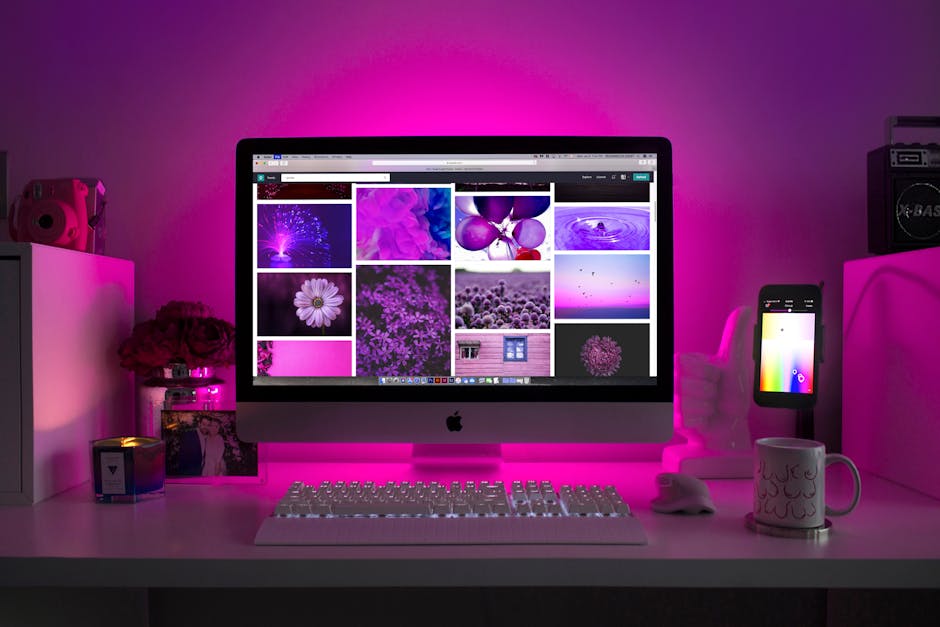
If you’re gaming on a budget, your monitor is one of the few things worth stretching for. A solid refresh rate (aim for at least 75Hz) and decent resolution (1080p minimum) will do more for your experience than flashy colors or a curved panel ever will. Prioritize image clarity and responsiveness over looks.
Don’t fall for the dual screen temptation if it means settling for two low end displays. One reliable, well spec’d monitor beats a pair of duds you’ll end up replacing anyway. You’ll get sharper visuals, smoother gameplay, and fewer headaches literally.
If money’s tight, look at refurbished options or second hand marketplaces. Brands often clear near new stock after returns or demo use, and you can snag a great panel for 30 50% less. Just make sure there’s a return policy and check for dead pixels before settling in.
Your eyes will thank you. Your wallet probably will too.
Lighting That Doesn’t Fry Your Eyes or Budget
Good lighting does more than make your setup look cool. It reduces eye strain, keeps you alert, and helps turn your space into something you actually want to spend time in. Bias lighting placing soft LEDs behind your monitor helps balance brightness between your screen and the room. It reduces harsh contrasts and headaches. Bonus: it makes your setup look way more dialed in, even if everything else is basic.
Natural light is free, but it’s not always ideal. A window behind your monitor? Bad idea. You’ll be squinting all day. Try to position your desk so the light hits from the side. That’ll give your space some glow without wrecking visibility.
If you’re buying lights, keep it simple. Adjustable LED strips or desk lamps with dimming features do the job without draining your bank account. Look for warm to neutral tones some colored RGB is fine for mood, but eye comfort matters more. You can find solid options at big box stores or online for under $25.
Need more lighting and setup tips? Hit the full gaming setup guide.
Accessories That Punch Above Their Price
Maximizing comfort and performance doesn’t always mean maxing out your credit card. The right peripherals can transform your gaming experience often for less than the cost of a new game. Here’s how to gear up smartly when every dollar counts.
Budget Keyboards and Mice That Don’t Feel Budget
Not all low cost peripherals are created equal. Under $30, you can still find combos that offer decent responsiveness, quiet keys, and a satisfying click from your mouse.
Key things to look for:
No lag response: Even wired budget sets can perform smoothly for casual and mid level gaming.
Built in wrist rests or keyboard feet: Small ergonomic features help with long sessions.
Clean, minimal design: Skip unnecessary RGB if it drags down build quality.
Choose Comfort Over Flash in Headsets
Headsets under $40 often focus too much on RGB lighting and not enough on the fundamentals. Instead, look for rigs that prioritize audio clarity and ear padding comfort.
Clear microphone pickup is more valuable than gimmicks especially for multiplayer games or streaming.
Over ear designs help with sound isolation and reduce ear fatigue.
Breathable padding keeps things cool during long hours.
Small Add ons That Make a Big Difference
Little upgrades can go a long way in a budget build. These affordable accessories aren’t as flashy, but they seriously boost your comfort over time:
Wrist rests: Simple foam or gel based options reduce fatigue while typing or gaming.
Extended mouse pads: These offer more surface area for mouse movement and double as a desk cushion.
Cable clips or wraps: Keeps your setup tidy and reduces stress on plugs and ports.
Affordable doesn’t have to mean uncomfortable. With a little strategy, even beginner setups can feel pro.
When You’re Ready to Level Up
A good setup doesn’t need to be built overnight. Start with what your budget allows, then think long term. The smartest upgrades follow a simple rule: comfort first. That means your next major leap shouldn’t be a graphics card it should be a solid chair. After that, aim for a better monitor, then look at upgrading your GPU or peripherals once your space feels functional and non pain inducing.
Deals are out there, if you know where to look. Keep tabs on subreddits like r/buildapcsales or deal tracker tools like Honey and CamelCamelCamel. Don’t sleep on open box deals from places like Micro Center and Best Buy they’re often barely used and heavily discounted. Bundles can also stretch your dollar if timed right.
Grow as your budget does. The goal isn’t perfection it’s progress that doesn’t make your back hurt. For more gear ideas that scale with your space and skill, check out the full gaming setup guide.
 Skye Carpenter is a key contributor at Your Gaming Colony, where her passion for video games and her insightful expertise significantly enhance the platform. Skye's dedication to the gaming community is evident in the high-quality content she produces, which covers a wide range of topics from the latest gaming news to in-depth reviews and expert analysis. Skye's role involves delivering up-to-the-minute updates on industry developments, ensuring that the platform's visitors are always well-informed. Her thorough and honest reviews provide detailed assessments of new releases, classic games, and everything in between, helping gamers make informed decisions about their next play.